
The List with illustrations component pairs a block of text with a small illustration or icon. This format is mostly used for branded campaigns and, for example, for content with political priorities where a specific set of associated visual assets has been developed and used across various media.
| Text is accompanied by an image, in a square or 3:2 layout, or by an icon. They do not include links. | How to build this in the Europa Web Publishing Platform (EWPP) |
| The single-column layout offers alternating grey and white rows, allowing users to easily scan long lists. | Get the code and specifications |
| Try it out in the playground |
Examples, using the component vertically on the page
Landscape image
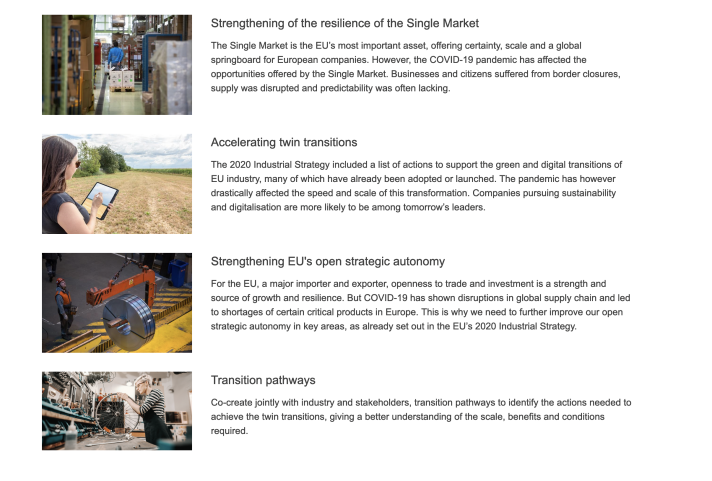
Square image
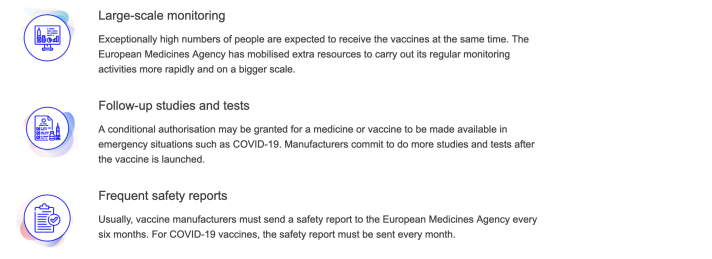
Square image, alternating background colour

Icon
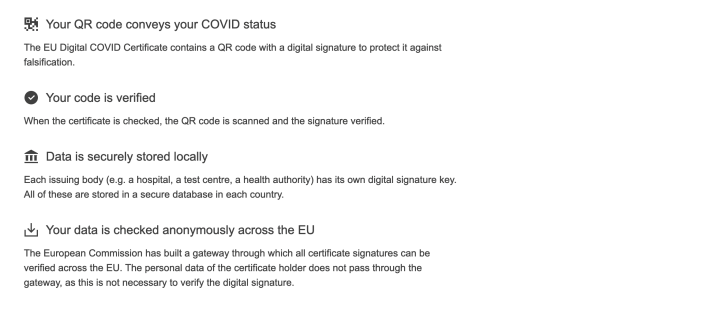
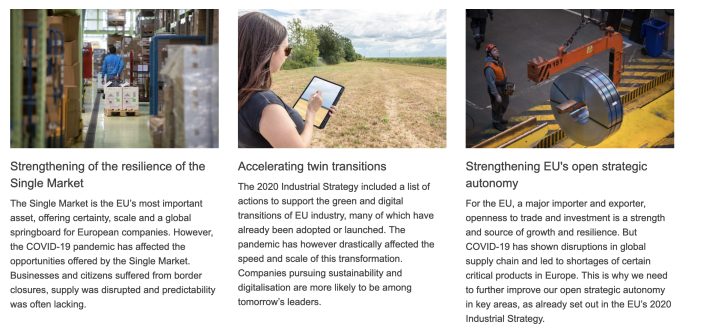
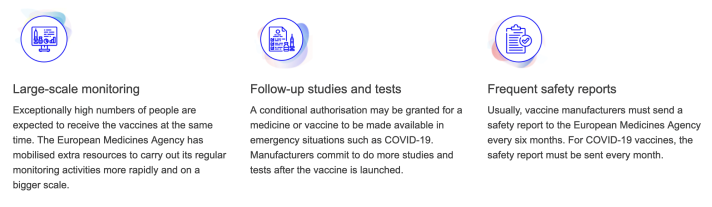
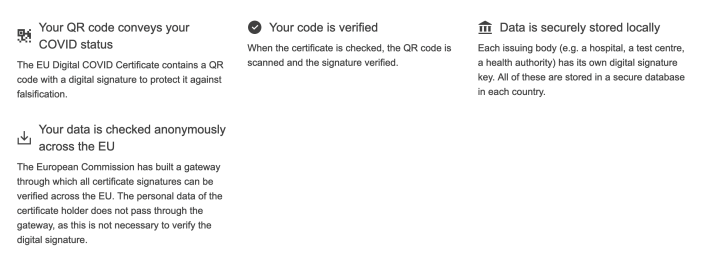
When to use
- when you want to visually highlight a series of related short paragraphs or phrases
- for campaigns, or for political content that has a specific set of visual assets associated with it
When not to use
- do not use simply to add visual interest, without a coherent narrative, or without being part of a branding campaign that has a specific set of visual assets
- do not use when you need to provide navigation to another page. Use cards or navigation lists instead.
- do not use if you want to display images without visible text. Use the media gallery instead.
- do not use if you have only one item
Dos
- include a title and description to accompany the image, illustration or icon
- select an appropriate image, illustration or icon, that is suggestive, complementary and relevant for the related content
- write list items so they have similar character counts, to ensure elements on the page look balanced
Don'ts
- don't include links on illustrated lists. This component is meant for static content only.
- don't choose icons that are not clearly symbolic of the associated subject matter
- don't choose images or illustrations that are too complex to be distinguished in the media thumbnail
- don't combine images or illustrations from different campaigns or themes. Use only the visual assets that were selected or created for your theme or campaign.
- don't use more than one illustrated list per page