
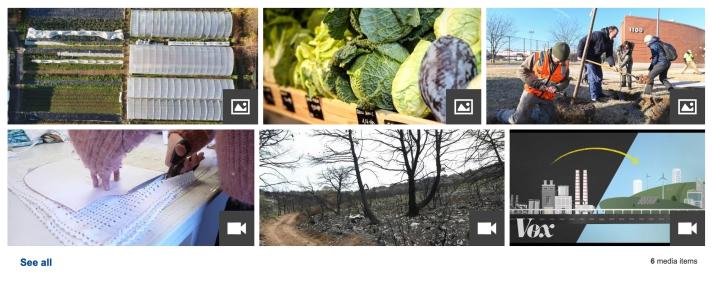
A media gallery is a collection of images, videos or audio files that allows a user to browse media.
| The media gallery component is used to display a variety of media files. | How to build this in the Europa Web Publishing Platform (EWPP) |
| It can be used to link to external sources. | Get the code and specifications |
| Captions, visible on mouseover, can be included to provide a brief description of the media file content. | Try it out in the playground |
When to use
- when you need to feature and link to several media files
- where there is no need to prioritise or highlight specific media files, i.e. media files are equally important in terms of content
When not to use
- do not use the gallery when media items must be displayed in a specific order
- do not use the gallery when specific items should be emphasised
- do not use if there are fewer than 5 items, use an unordered list or a media container
Dos
- for video and audio, use a thumbnail image that is appropriate and accurately depicts what is in that media file
- write short captions that are relevant and describe the subject of the media content
- always include thumbnails and an ALT tag, or ATL tags, on each media file
For developers:
- select matching icon overlays to indicate the type of media, i.e. audio icon, video icon
Don'ts
- don't use without a caption
- avoid images that are too complex to be discernible in thumbnail size
For developers:
- don't automatically play audio or video files when a user arrives on a page (or scrolls to a media gallery)
- don't automatically play the next item after an audio or video item has finished playing