
A blockquote can be used to highlight an excerpt, testimonial, or a quote cited from an article or another source.
|
The blockquote is an optional formatting device used to:
|
How to build this in the Europa Web Publishing Platform (EWPP) |
Examples
For a long quote
In this example, the quotation is a continuation of the text before it:

For editors using the Europa Web Publishing Platform (EWPP): within a rich text block, use the blockquote feature.
For highlighting an excerpt of the text
In this example, the blockquote feature is used to highlight and repeat part of the text surrounding it:
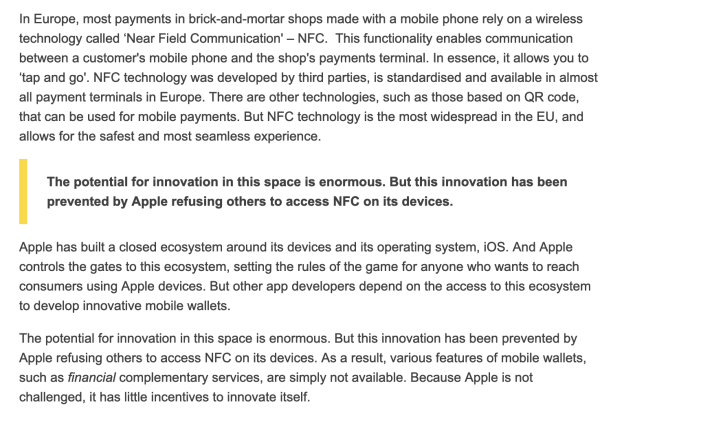
For editors using the Europa Web Publishing Platform (EWPP): within a rich text block, use the blockquote feature.
As a standalone item on a page
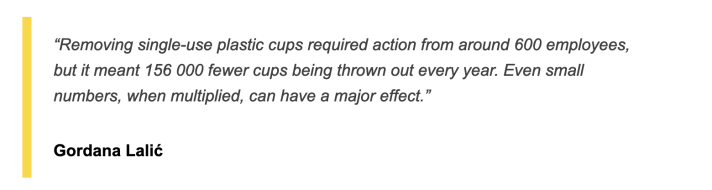
A highlighted quote can be used in isolation on a landing page:
You can add an image of the quoted person:
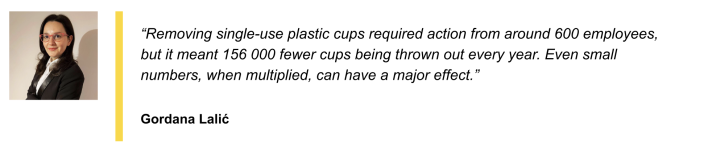
For editors using the Europa Web Publishing Platform (EWPP): on a landing page, use the Quote content item.
When to use
- within a text section, for any citation that is long (e.g., more than 3 sentences, or more than 40 words long). Omit the quotation marks. (The blockquote is optional in this instance, however, for longer quotes you have the option of using quotation marks)
- within a text section, to highlight a small (i.e., one sentence) and important part of a longer text. Use bold formatting on the cited text, in this case
- on a landing page, as a standalone item that supports the theme of the page
Dos
- use the blockquote to highlight quotes that help users understand the overall subject by scanning the page
- always include an attribution (name the person being quoted) with the standalone blockquote
- use quotation marks to open and close a quote when it's a standalone item (in the Europa Web Publishing Platform, quotation marks are added automatically)
- for a shorter excerpt within a longer text (i.e., one sentence) use bold to highlight
- for the image variant, use an image of the person being quoted