
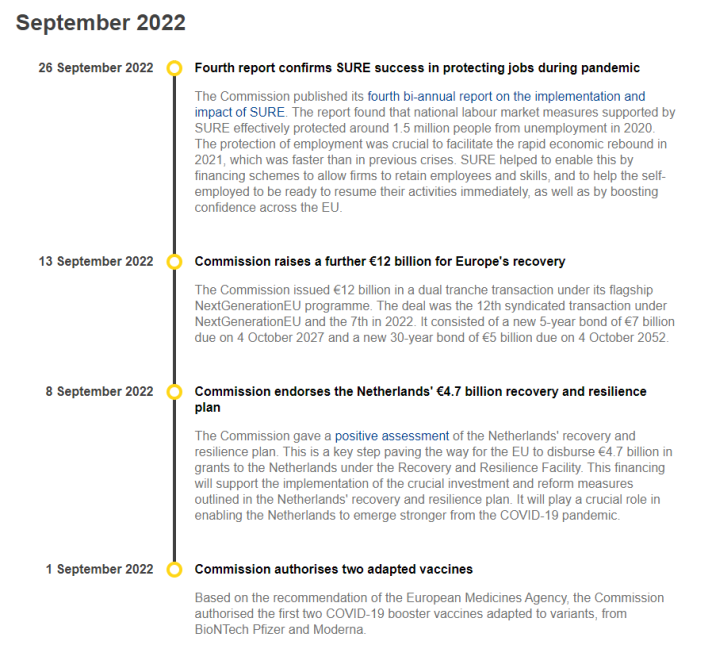
A timeline presents items in a chronological layout. Use a timeline to summarise sequential events or to show the progress on an activity over time.
| A timeline always includes dates or text that provides the timeframe - on the left side. The accompanying description - on the right - can include an optional subhead, a short description and/or a link. | How to build this in the Europa Web Publishing Platform (EWPP) |
| The timeline is usually integrated into a longer page. | Get the code and specifications |
| Try it out in the playground |
When to use
- when you want to give an overview of events, processes, or roadmaps
- when you want to illustrate the chronology of events or activities
- when you want to demonstrate progress on an activity
- timelines can be used to provide navigation to related content